

Best Free Keyword Research Tools for SEO in 2026
Finding the right keywords still decides whether your content gets seen or gets ignored. However, keyword research today looks different than it did even two years ago. Search now includes Google, Bing, and AI answer engines like ChatGPT and Perplexity. As a result, the tools worth using in 2026 need to do more than show search volume. They need to reveal intent, competition, and how people phrase their questions.
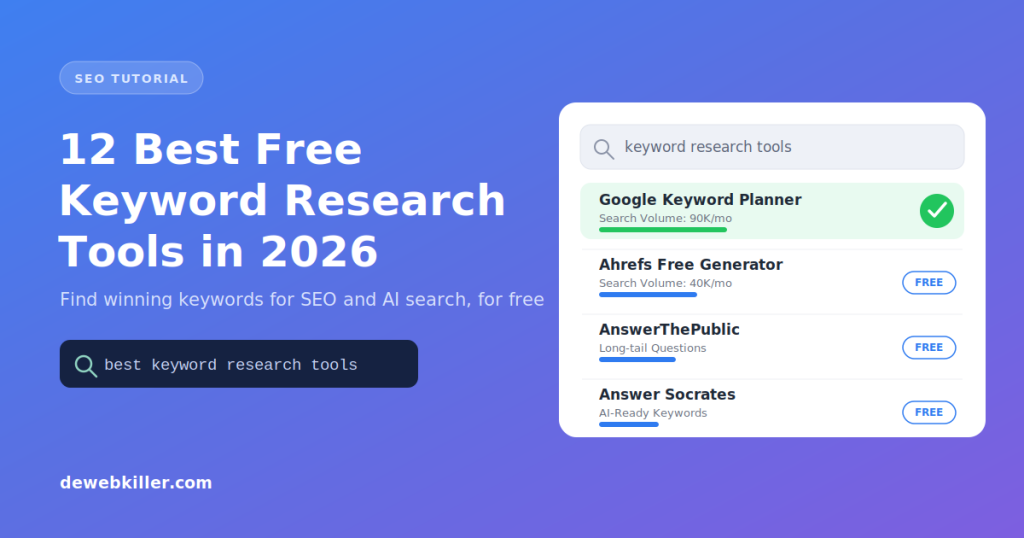
This guide breaks down the best free keyword research tools available right now. Each one is still active, free to use, and tested against 2026 search behavior. For broader context on how search itself is changing, check out our guide on SEO in 2026 and how AI is reshaping website traffic.
What Is Keyword Research?
Keyword research means finding the exact words and phrases your audience types into search engines or asks AI assistants. It replaces guesswork with real data. Instead of assuming what your readers want, you learn it directly from search patterns.
Good keyword research shows you three things. First, it reveals what topics people actually care about. Second, it shows how difficult a topic is to rank for. Third, it uncovers gaps where your competitors have not published anything useful yet.
Why Keyword Research Matters More in 2026
Search behavior has shifted. People no longer type short, robotic queries. Instead, they ask full questions, often inside AI chat tools. Therefore, keyword research now overlaps with Answer Engine Optimization (AEO) and Generative Engine Optimization (GEO), not just traditional SEO.
This means your keyword strategy should account for three search surfaces:
- Google and Bing search results (classic SEO)
- AI-generated answers in tools like ChatGPT, Gemini, and Perplexity (GEO)
- Voice and question-based queries that expect a direct answer (AEO)
The tools below help with all three, and we’ve flagged which ones are best suited for each.
12 Best Free Keyword Research Tools in 2026
1. Google Search (People Also Ask + Related Searches)
Google itself remains one of the most powerful free research tools. Start typing a query, and autocomplete instantly suggests popular related phrases. Scroll down, and the People Also Ask box reveals real questions people search for. Each question expands into more related questions when clicked, giving you an endless stream of long-tail ideas.

Below the results, the Searches related to section shows additional keyword variations. Together, these two features work well for AEO, since they show you the exact phrasing people use when asking questions.
2. Google Keyword Planner
Google Keyword Planner remains the most accurate free source of keyword data because it pulls directly from Google’s own search index. It shows search volume, competition level, and cost-per-click data. A free Google account is all you need to access it.

Use this tool when you need reliable volume estimates before committing to a content topic.
3. Google Search Console
Search Console shows the keywords your site already ranks for, along with impressions and clicks for each one. Go to Performance > Queries after logging in to see this data.

This tool works differently than the others on this list. Instead of discovering new keywords, it reveals hidden opportunities already happening on your site. For example, if a keyword generates impressions but few clicks, you can improve that page’s title or meta description to capture more traffic.
4. Google Trends
Google Trends shows how interest in a keyword changes over time. You can filter by country, compare multiple keywords side by side, and spot seasonal patterns before they peak.

This tool is especially useful for planning content calendars. If a topic trends upward every October, for instance, you can publish ahead of the curve instead of reacting late.
5. Ahrefs Free Keyword Generator
Ahrefs offers a free keyword generator that pulls from its own massive backlink and search index. Enter a seed keyword, and it returns hundreds of related terms along with estimated search volume and keyword difficulty.

Unlike some free tools, Ahrefs limits daily searches but does not require a credit card. It remains one of the most trusted sources for competitive keyword data in 2026.
6. AnswerThePublic
AnswerThePublic visualizes search questions in a map format, organized by who, what, where, why, and how. This makes it one of the strongest tools for AEO, since it directly shows question-based phrasing that AI assistants and voice search rely on.
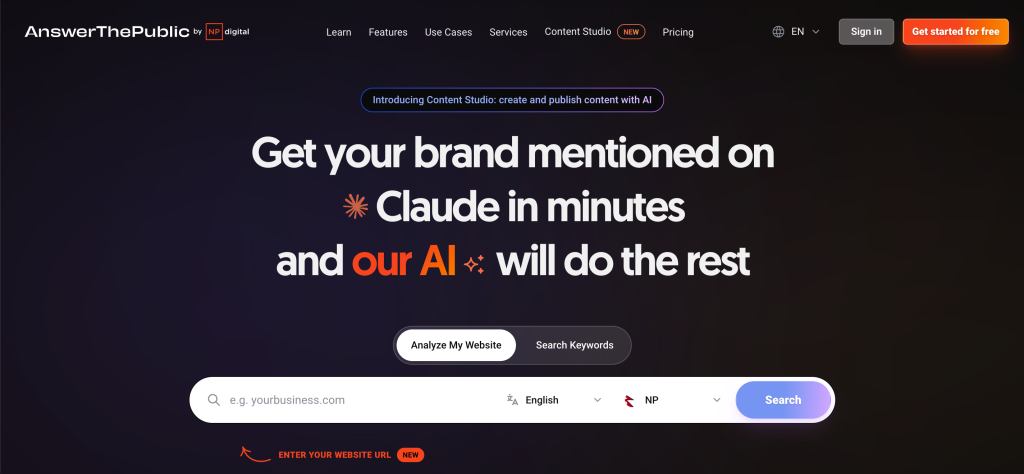
The free tier limits you to a few searches per day. Even so, it remains valuable for brainstorming FAQ sections and blog outlines.
7. Semrush Keyword Magic Tool
Semrush’s free keyword tool generates suggestions along with search volume, keyword difficulty, search intent, and CPC data. It also groups keywords by topic, which speeds up content planning for larger sites.

The free version caps how many keywords you can view per search, but the depth of data makes it worth trying before considering a paid plan.
8. Ubersuggest
Ubersuggest, built by Neil Patel, still holds up as a solid free alternative to Google Keyword Planner. It generates related keywords along with CPC, competition, and estimated volume. A browser extension extends the free daily limit significantly, which makes it more usable for regular research.

9. Bing Webmaster Tools Keyword Research
Bing has a smaller market share than Google, but its free keyword research tool inside Bing Webmaster Tools deserves attention. It shows search volume data without requiring any ad spend, and it helps confirm demand you found elsewhere. Cross-checking keywords across Google and Bing reduces the risk of over-relying on one data source.

10. Keyword Surfer (Browser Extension)
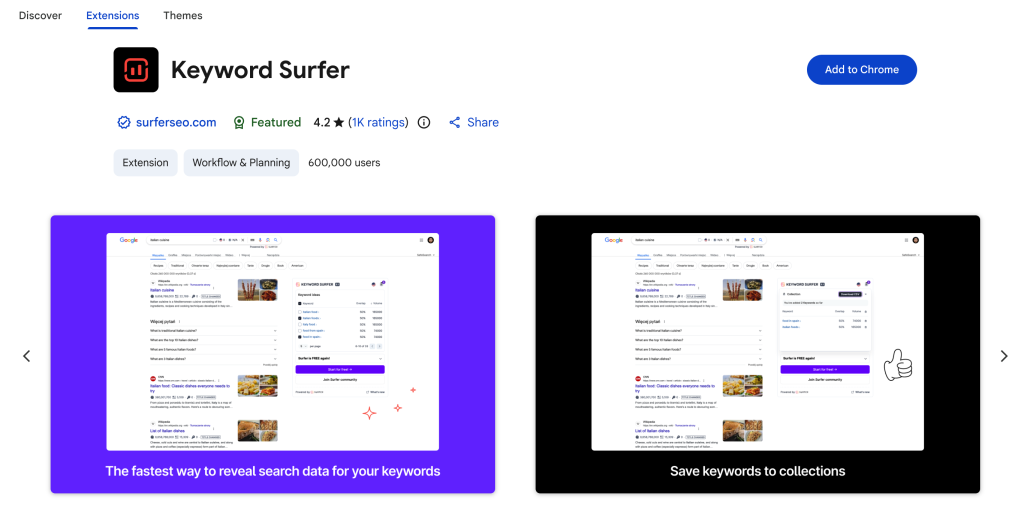
Keyword Surfer is a free Chrome extension that displays search volume and related keywords directly inside Google’s search results page. It also connects with Google Analytics and Search Console data for a more complete view of how a keyword performs across the entire user journey.
11. Soovle
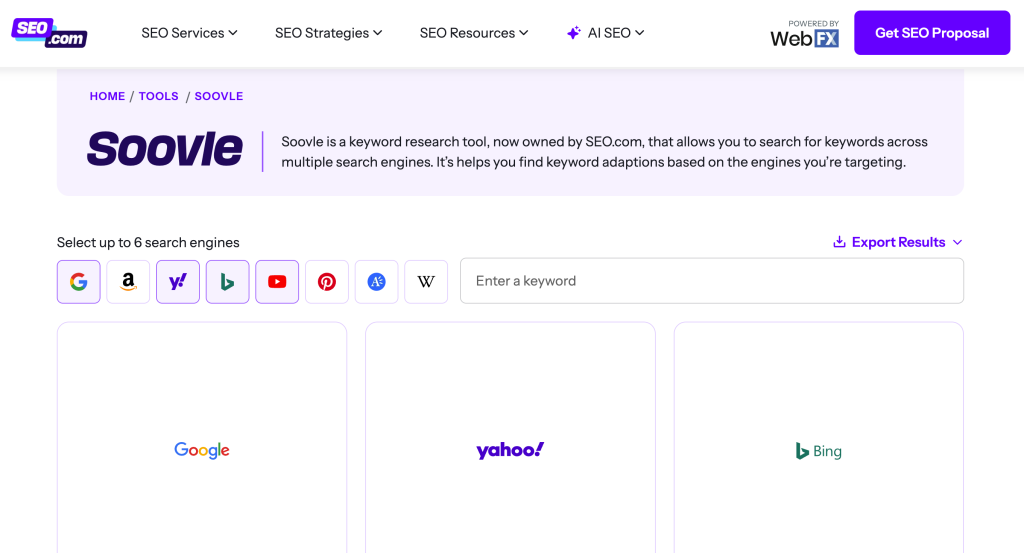
Soovle pulls suggestions from multiple platforms at once, including Google, YouTube, Amazon, Wikipedia, and Bing. Results load instantly since the tool runs on AJAX. It is not built for deep analysis, but it works well for quick brainstorming across different content formats.
12. Answer Socrates
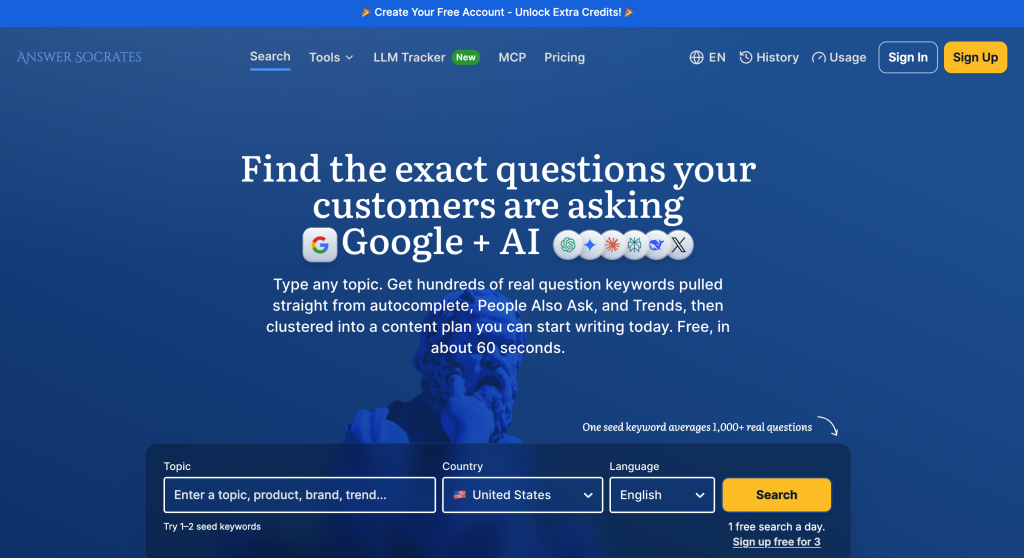
Answer Socrates has grown into one of the strongest free tools for question-based keyword research in 2026. It pulls from Reddit, StackExchange, and Google’s own People Also Ask data, then clusters results into content-ready topic groups. Because it focuses on real questions, it pairs well with AEO and GEO strategies where AI tools need clear, answerable phrasing.
Comparison Table: Choosing the Right Free Tool
| Tool | Best For | Search Data Type |
|---|---|---|
| Google Keyword Planner | Accurate volume estimates | Traditional SEO |
| Search Console | Finding hidden ranking keywords | Traditional SEO |
| Google Trends | Seasonal and trend analysis | Traditional SEO |
| Ahrefs Free Generator | Competitive keyword depth | Traditional SEO |
| AnswerThePublic | Question-based phrasing | AEO |
| Answer Socrates | Clustered question topics | AEO / GEO |
| Semrush Keyword Magic | Intent and topic grouping | Traditional SEO |
| Ubersuggest | Beginner-friendly research | Traditional SEO |
How to Choose the Right Keyword Research Tool
Start with your goal, not the tool itself. If you need raw search volume, Google Keyword Planner works best. If you want question phrasing for FAQ content or voice search, AnswerThePublic or Answer Socrates fit better. If you already have a live website, Search Console tells you what is already working, which makes it the fastest place to find quick wins.
Most experienced marketers combine two or three tools rather than relying on just one. For example, start with Google Trends to confirm demand, then use Ahrefs or Semrush to check competition, and finish with AnswerThePublic to shape your headings around real questions.
Optimizing Keywords for AI Search (GEO Tips)
Traditional keyword research focused on matching search terms exactly. Generative Engine Optimization works differently, since AI tools summarize and rephrase content rather than just matching keywords. To adapt, follow these practices:
- Write in direct, complete sentences that answer a question fully in the first sentence, since AI models tend to pull the clearest passage.
- Use question-based subheadings, matching how people phrase prompts to AI assistants.
- Keep answers concise near the top of each section, then expand with detail afterward.
- Structure content with clear H2 and H3 tags, since this helps both search engines and AI crawlers parse your page accurately.
Frequently Asked Questions
What is the best free keyword research tool in 2026?
Google Keyword Planner remains the most reliable free tool for accurate search volume, while AnswerThePublic and Answer Socrates work best for question-based and AI search optimization.
Do I need a paid tool for keyword research?
Not necessarily. Free tools like Google Keyword Planner, Search Console, and Ahrefs Free Generator provide enough data for most small businesses and bloggers to build a solid content strategy.
How is keyword research different for AI search engines?
AI search engines like ChatGPT and Perplexity favor clear, direct answers over exact keyword matches. Therefore, keyword research for AI search focuses more on question phrasing and topic clarity than on precise search volume.
Which tool is best for finding long-tail keywords?
AnswerThePublic and Answer Socrates both specialize in long-tail, question-based keywords sourced from real user searches on Reddit, forums, and Google’s People Also Ask feature.
Conclusion
Keyword research in 2026 still starts with the same goal: understanding what your audience actually searches for. The difference now is that your audience searches across Google, Bing, and AI assistants all at once. Use the free tools above together rather than in isolation, and you’ll cover traditional SEO, AEO, and GEO without spending a dollar.
You might also find these guides useful: