The best free web design resources in 2026 fall into six categories: templates (ThemeForest Free Files, Colorlib), UI kits (Figma Community, Canva), icons and illustrations (Font Awesome, unDraw, Flaticon), fonts (Google Fonts), code snippets (CSS-Tricks, CodePen, Codrops), and stock media (Unsplash, Pexels). Each one is free for both personal and commercial projects, though you should always confirm the current license before shipping a client site.
Paying for every design asset is not always the smartest move. Premium tools often cost more than a small project can justify, and the result does not always match what you expected for the price. Fortunately, dozens of websites now offer free web design resources that rival paid alternatives in quality. You do not need the same resource everyone else uses. You need the right alternative, and sometimes the free option turns out to be the better product.
This guide covers the web design tools, templates, and code libraries worth bookmarking in 2026. If you want free high-resolution photography instead, check our guide to the best websites for free stock photographs.

There are many components in the web design. Here we will discuss about the web elements only from where you can download the templates and other related elements for free. We will be discussing the templates, CSS resources or lets’ say the coding elements. If you want the high resolutions free graphics and images to download you can click here.
Free Themes and Templates
1. Theme Forest

Themeforest still tops this list because most people overlook its free tier. Envato releases one free item from every category each month, including WordPress themes, HTML templates, and plugins. Consequently, you get access to premium-quality files without a subscription. Bookmark the Envato Free Files page and check back monthly, since the selection rotates.
2. Colorlib
Colorlib publishes new free themes almost every week and receives millions of page views a month. Its library spans landing pages, eCommerce themes, portfolio layouts, and blog templates, so most project types are covered. Because the themes are built with modern frameworks like Bootstrap, they load fast and adapt well to mobile screens.

Design Tools and UI Kits
3. Figma Community
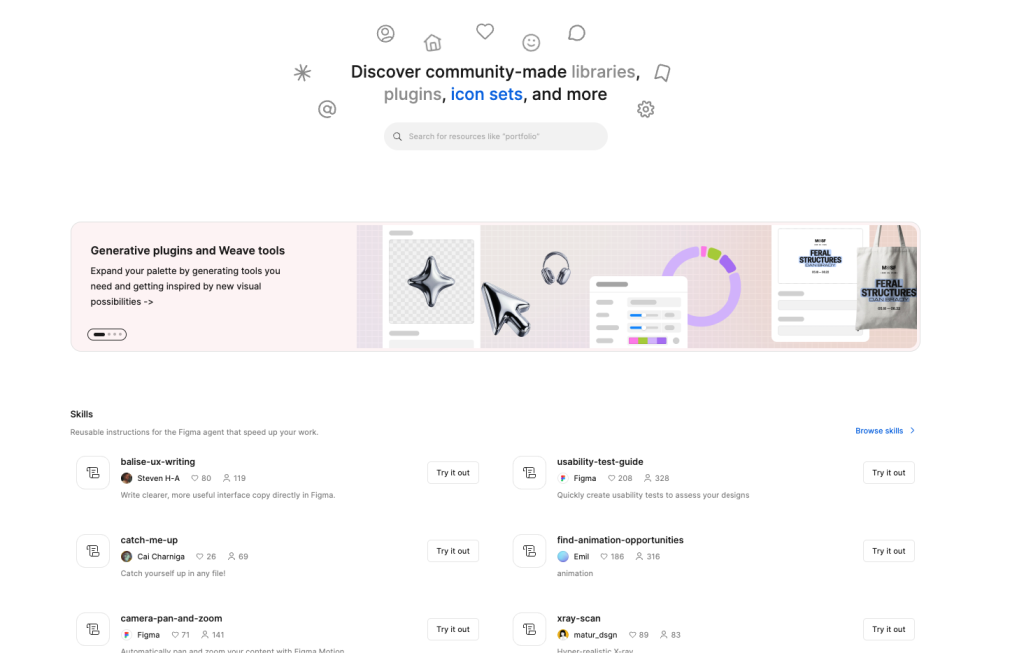
Figma Community has replaced most of the older PSD template sites developers used to rely on. Thousands of designers publish free wireframe kits, design systems, and full website mockups that you can duplicate directly into your own file. This makes it the fastest way to prototype a layout before writing any code.
4. Canva
Canva is not just a graphics tool anymore. Its website builder and landing page templates let you assemble a simple site or campaign page in minutes, and the free plan covers most small business needs. Designers often use it to mock up social banners and hero images before handing a project to a developer.
Icons, Illustrations, and Graphics
5. Font Awesome
Font Awesome remains the standard icon library for web projects. The free tier includes thousands of scalable vector icons that you can drop into any site through a CDN link, so page weight stays low.
6. unDraw
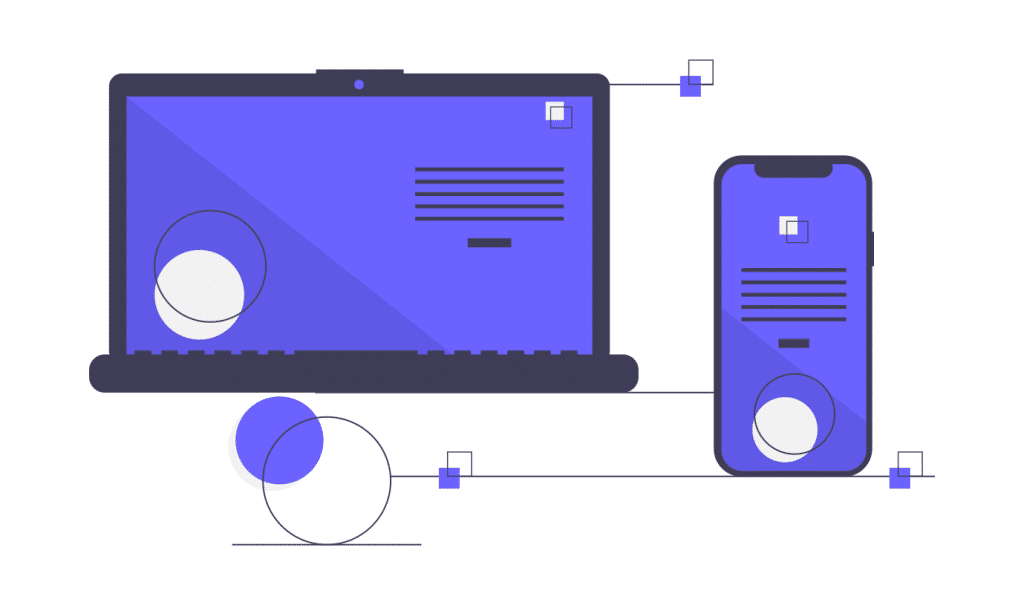
unDraw provides open-source illustrations that you can recolor to match your brand palette. Because every image ships as an editable SVG, designers use it constantly for empty states, onboarding screens, and landing pages.
7. Flaticon
Flaticon hosts one of the largest icon libraries online, and it now includes editable stroke icons and simple 3D icon packs. You can adjust line weight and color directly in its editor before exporting, which keeps an entire icon set visually consistent.
Fonts
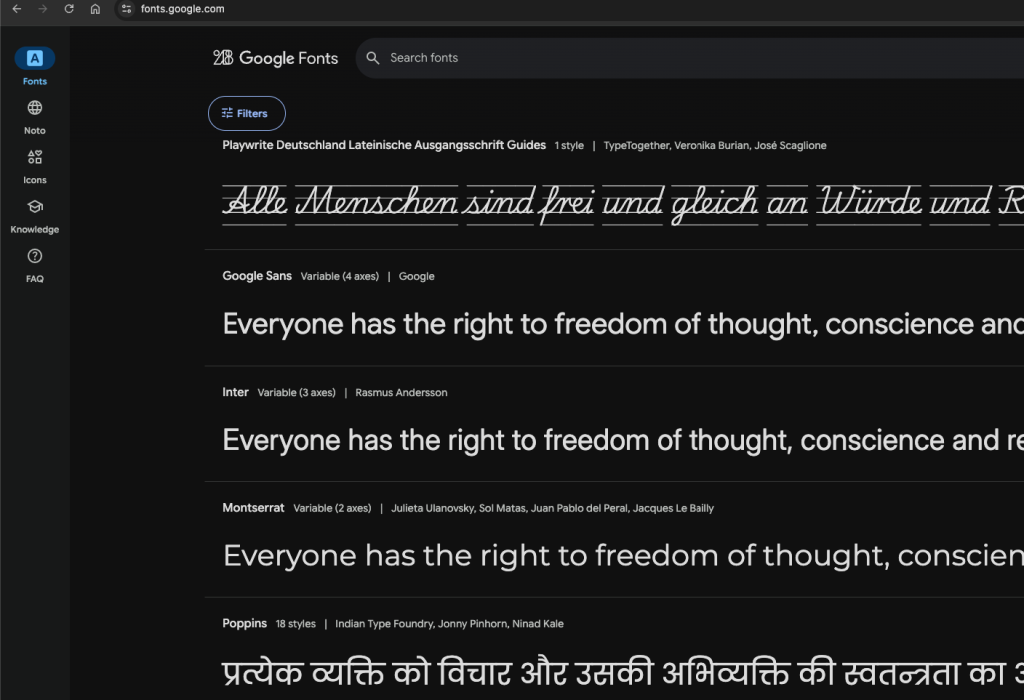
8. Google Fonts
Google Fonts still handles the bulk of free web typography. Every font is optimized for the web and pairs with an easy embed code, so performance rarely suffers even when you load two or three families on a page.
Code Snippets, CSS, and Interaction Design
9. CSS-Tricks
Want to sharpen your CSS techniques? CSS-Tricks remains one of the most trusted references for practical tips, layout guides, and front-end news. The archive alone answers most day-to-day CSS questions a working developer runs into.

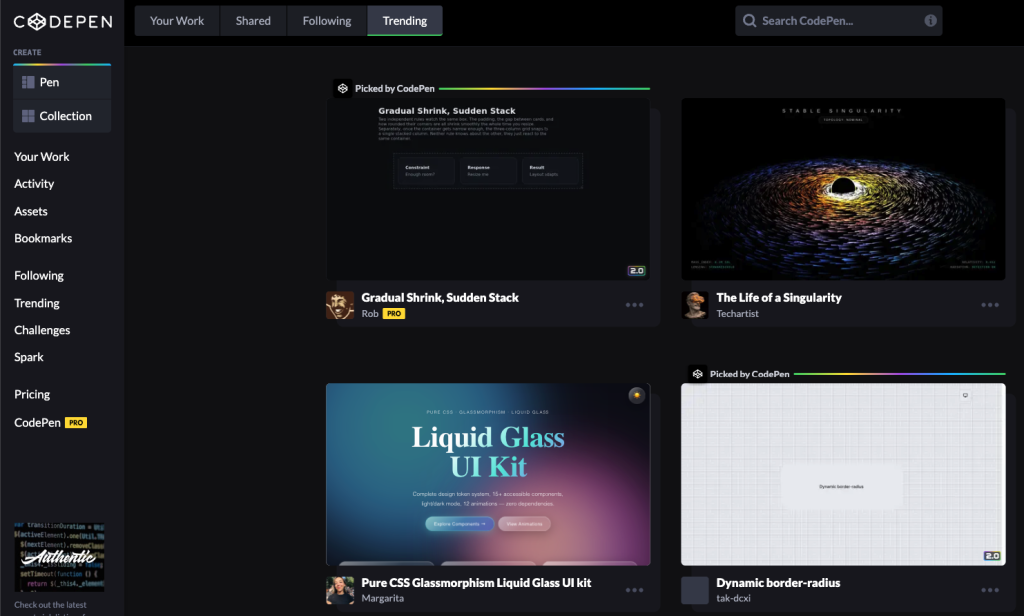
10. CodePen
CodePen hosts millions of open-source snippets built with HTML, CSS, and JavaScript. Instead of writing an animation or interaction from scratch, you can search for it on CodePen, fork a working example, and adapt it to your project in a fraction of the time.
11. Codrops
Codrops specializes in polished CSS and JavaScript effects, and its freebies section still delivers some of the best free interaction demos on the web. Each freebie ships with a full tutorial, so you learn the technique instead of just copying the code.

Stock Photos and Video
12. Unsplash and Pexels
Unsplash and Pexels cover most photography needs, and Pexels now offers a strong library of free stock video too, which suits modern hero sections that use motion instead of static images. For a deeper breakdown of free photo sources, read our full comparison of free stock photograph websites, or see how to source free Shutterstock-quality images if you need a specific paid-look asset without the price tag.

Learning and Tutorials
13. freeCodeCamp
freeCodeCamp offers free, structured courses that take a beginner from HTML basics to full-stack development. Its certification tracks are a practical way to fill skill gaps while working on real projects.

14. Envato Tuts+
Envato Tuts+ breaks every lesson into clear, beginner-friendly steps, and it still publishes free PDF guides alongside its video tutorials. It works well as a second opinion when a Codrops or CSS-Tricks tutorial moves too fast.

Design Inspiration
15. Dribbble and Creative Bloq
Dribbble shows what other designers are shipping right now, which makes it useful when a project needs a fresh direction. Creative Bloq pairs that inspiration with daily articles on design trends, tools, and technique, so you get both the visual reference and the reasoning behind it.

Final Thoughts
The web holds far more free resources than any single list can cover, and new ones appear every year while others fade out. The sites above represent the most reliable, actively maintained options for 2026. Before you publish a client project, always confirm the current license on any free asset, since terms occasionally change between commercial and personal use.
Once your design is ready, performance matters just as much as visuals. If you are running WordPress, pair these resources with a fast, reliable host and the right SEO plugin to make sure the finished site actually ranks.
Missing your favorite resource? Let us know in the comments and we will consider it for the next update.
Frequently Asked Questions
Are free web design resources really free for commercial use?
Most are, but licenses vary by site. ThemeForest Free Files, Google Fonts, and Font Awesome’s free tier all permit commercial use. Always check the specific license before using an asset on a client or paid project.
What is the best free resource for website templates? ThemeForest Free Files and Colorlib are the strongest options in 2026. ThemeForest rotates one premium-quality free item per category monthly, while Colorlib publishes new free themes weekly.
Can I use free icons and fonts on a client project?
Yes, in most cases. Font Awesome’s free icon set, Google Fonts, and Flaticon’s free tier all allow commercial use with attribution requirements that vary by site, so check each license page first.
Where can I find free stock photos for web design?
Unsplash and Pexels remain the top sources for free stock photography and video in 2026. Both offer commercial-use licenses with no attribution required.
You might be interested in this topic as well:
1. Best Google AdSense Alternatives to Monetize Your Website
2. HOW TO DOWNLOAD SHUTTERSTOCK IMAGES FOR FREE?
3. FREE WEB DESIGN RESOURCES WEBSITE TO BOOKMARK