
Icons are more than just decoration; they help people navigate your website easily. If you use heavy or messy icon libraries for web developers, your site will slow down. This can cause your search engine rankings to drop because performance is a key factor for SEO.
When building a site, you usually choose between SVG files and icon fonts. Most experts now prefer SVGs because they load faster and don’t slow down the browser. Using the right icon libraries for web developers ensures your pages stay stable and load quickly for every visitor.
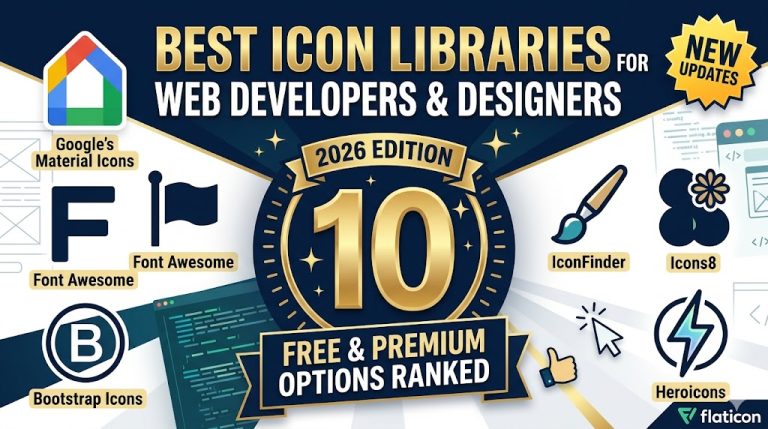
The list of Top 10 Icon Libraries
1. Flaticon – Thousands of free and premium icons.
Flaticon remains an industry giant, housing millions of raster and vector graphic assets. Designers globally leverage its massive database to curate visually consistent collections. Because it provides extensive formats including SVG, PNG, EPS, and PSD, Flaticon simplifies cross-platform asset synchronization.
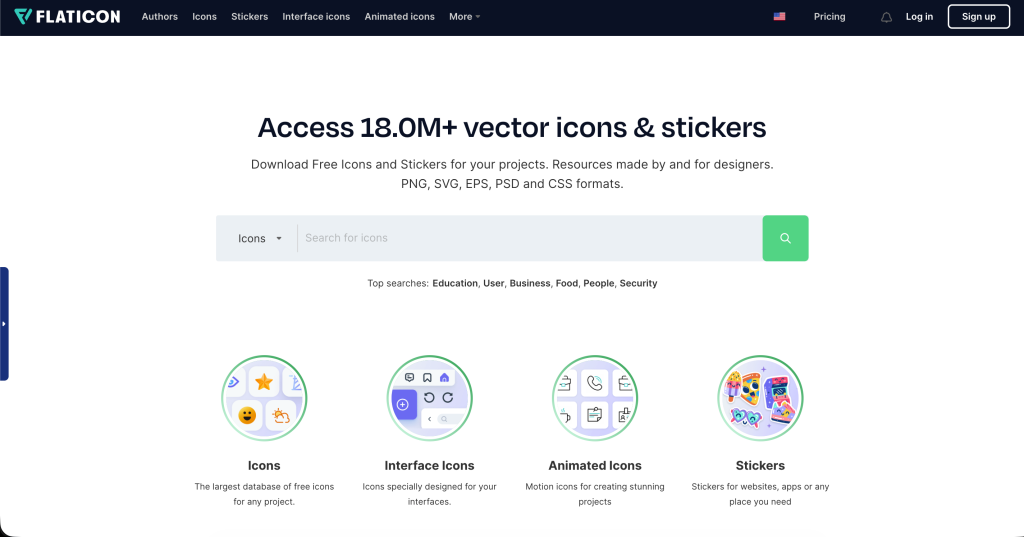
- Best For: Complex, multi-colored illustrative systems and extensive asset diversity.
- Formats Supported: SVG, PNG, EPS, PSD, BASE64.
- Licensing: Freemium model (Attribution is required for free tiers; premium subscription removes barriers).
2. IconFinder – High-quality vector icons and illustrations.
IconFinder provides an exceptional marketplace that connects independent digital artists with high-end corporate developers. It excels due to its strict quality filtering protocols, which guarantee asset compliance with rigorous design specifications. Thus, if you are looking for premium icon libraries for web developers that avoid generic, overused patterns, IconFinder is an optimal choice.
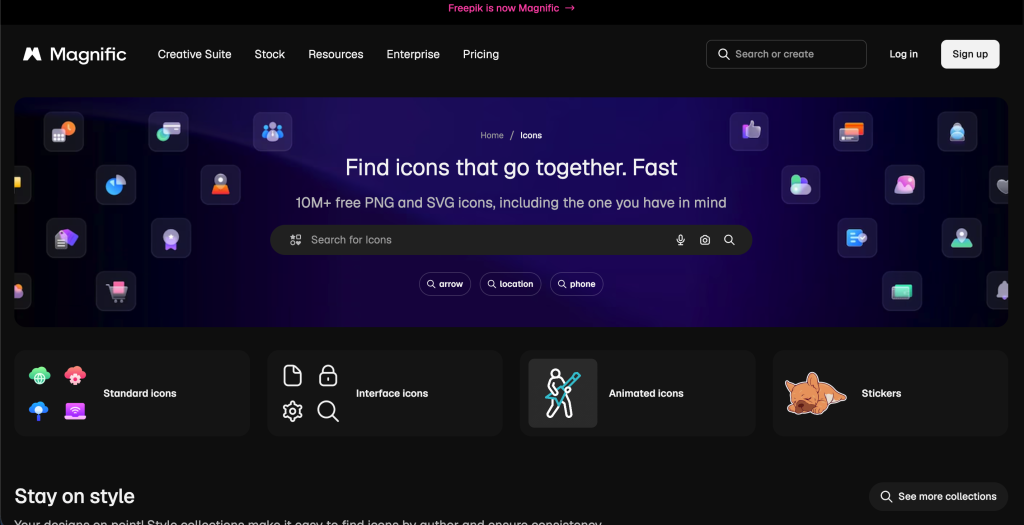
- Best For: High-end custom aesthetics, bespoke vector illustrations, and micro-brands.
- Formats Supported: SVG, PNG, ICO, ICNS, Adobe Illustrator files.
- Licensing: Pay-per-icon microtransactions or monthly all-inclusive subscriptions.
3. Icons8 – Free icons, UI elements, and design tools.
Icons8 introduces a unified design ecosystem rather than acting as a simple file repository. It provides specialized applications that allow real-time pixel modifications directly inside your web browsers. Therefore, you can recolor, resize, and add padding to assets before generating code snippets.
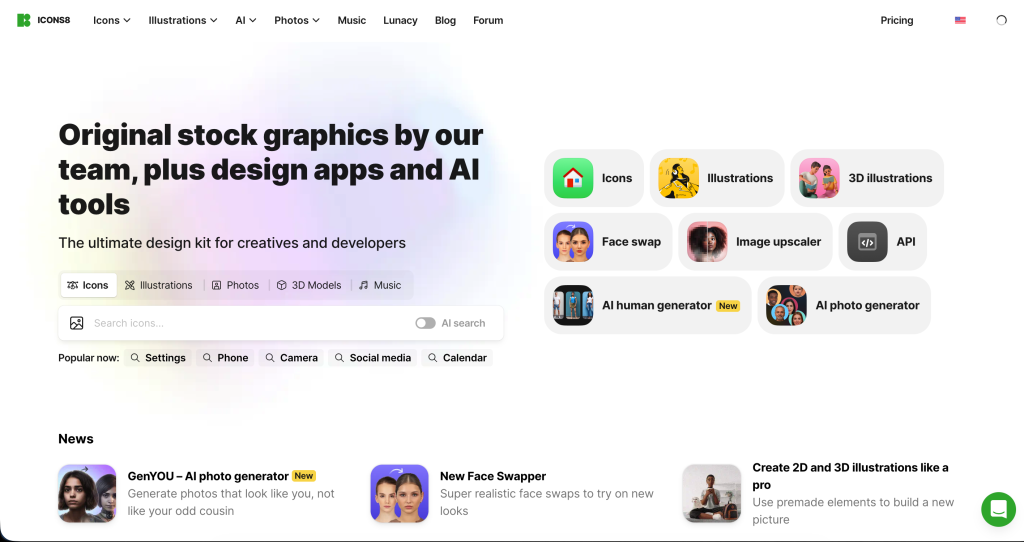
- Best For: Rapid prototyping and synchronous workflows within Figma, Sketch, or Adobe XD.
- Formats Supported: SVG, PNG, PDF, JSON (for animated Lottie files).
- Licensing: Free universal tier with specific size limitations; premium licensing unlocks advanced vector formats.
4. Material Icons – Google’s official icon set.
Engineered directly by Google’s core design team, Material Icons represents the absolute gold standard for clean digital utility. Because these assets follow unified geometric patterns, they ensure incredible visual balance across complex responsive layouts. Web developers regularly integrate Material Icons to provide familiar layouts that minimize cognitive load for end-users.
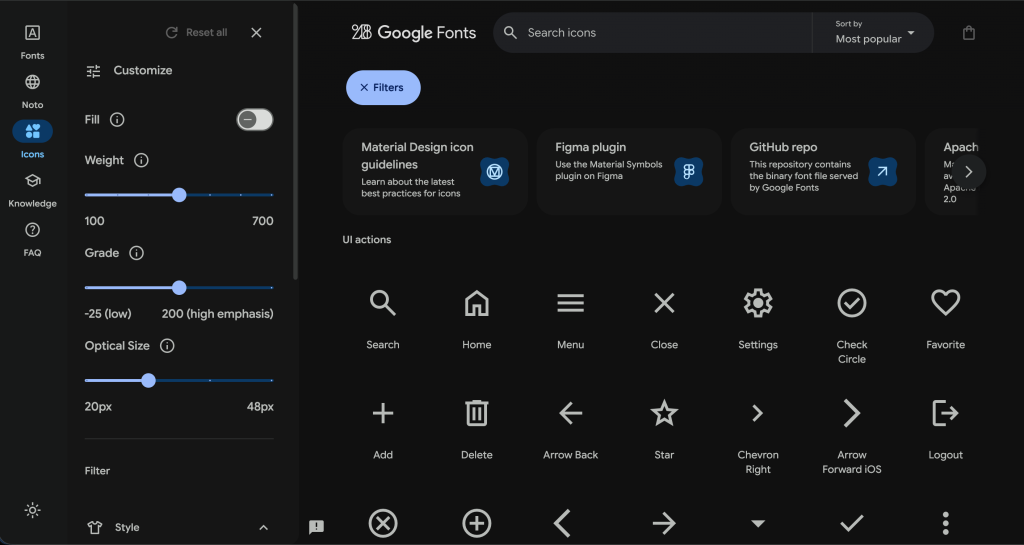
- Best For: Enterprise-grade web applications, Android app ecosystems, and minimalist clean layouts.
- Formats Supported: SVG, Web Font, PNG.
- Licensing: Completely open-source via the Apache License 2.0.
5. Font Awesome – The most popular scalable icon library.
Font Awesome retains its dominant market share as the most widely used scalable toolkit across modern frameworks. It offers intuitive content delivery network (CDN) links that enable developers to implement symbols using simple HTML classes. Consequently, rapid deployment cycles are easily achieved.
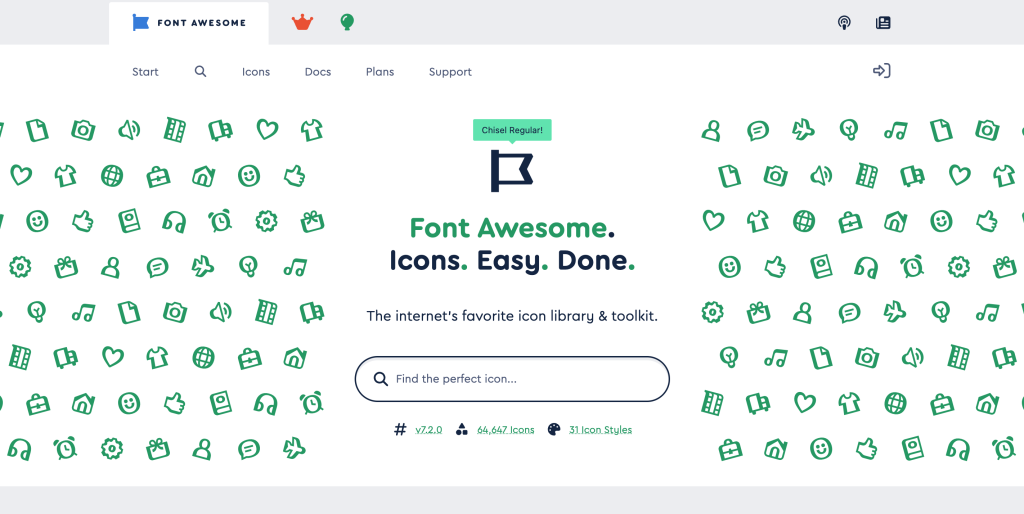
- Best For: Traditional open-source web development, content management systems (CMS), and fast prototyping.
- Formats Supported: SVG, Web Fonts, JS Framework components (React, Vue, Angular).
- Licensing: Freemium (Font Awesome Free offers robust core icons; Pro tier grants massive style variations).
Technical Performance Note: While CDN integration with Font Awesome provides convenient deployment, loading an entire icon font library can increase unnecessary weight. To mitigate this asset overhead, modern frontend frameworks should use tree-shaking methodologies. This mechanism imports only the specific vectors required by your active application views.
6. The Noun Project – A vast collection of creative icons.
The Noun Project celebrates global artistic diversity by creating a marketplace for symbols that represent virtually every concept imaginable. It values absolute clarity, cross-cultural communication, and pure minimalism. This makes it an invaluable asset pool for educational, governmental, and civic platforms.
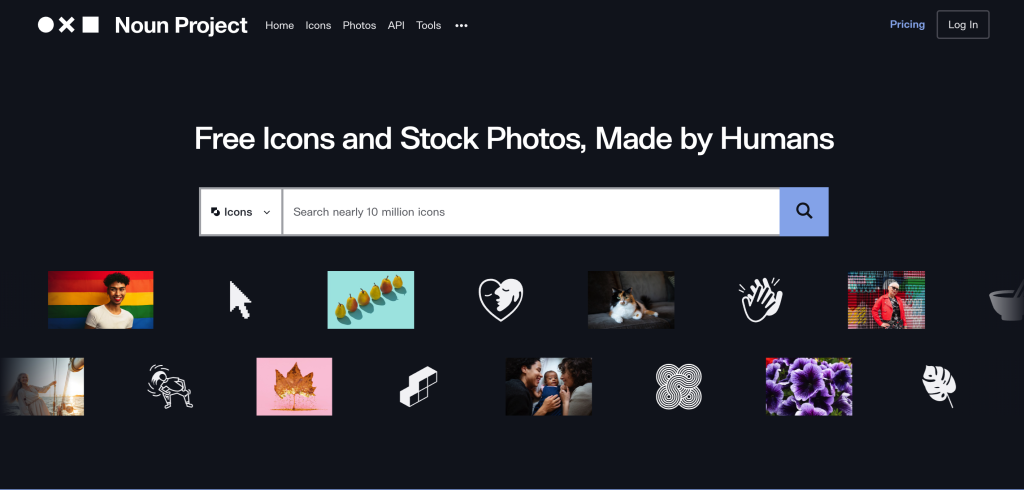
- Best For: Abstract conceptual ideation, highly unique editorial graphics, and cross-cultural interfaces.
- Formats Supported: SVG, PNG.
- Licensing: Creative Commons free distribution with author attribution, or NounPro licenses for unrestricted commercial rights.
7. SVGRepo – Free SVG icons and illustrations.
SVGRepo serves as a developer-centric repository optimized entirely for automated asset delivery pipelines. It provides programmatic access to hundreds of thousands of open-source vector graphics. Crucially, the platform features a highly sophisticated built-in SVG optimizer that strips away junk metadata, editor layers, and unnecessary paths.
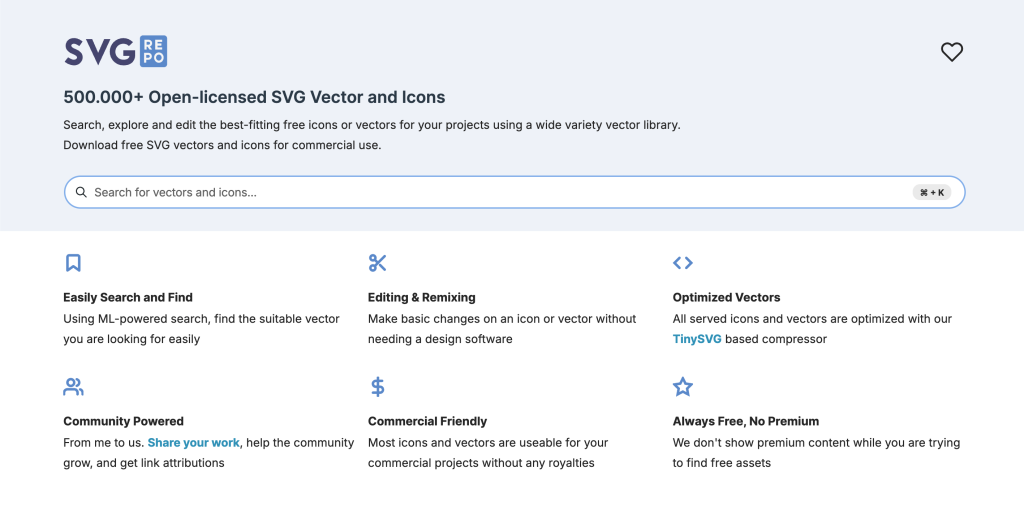
- Best For: Performance-focused frontend engineers who prioritize raw SVG optimization.
- Formats Supported: Fully optimized vector SVGs.
- Licensing: Free for commercial and personal applications, generally under permissive public domain and MIT terms.
8. Ionicons – Open-source icons for mobile & web apps.
Built specifically by the Ionic Framework team, Ionicons is designed specifically for high-performance mobile architectures and progressive web apps (PWAs). Every asset comes with tailored variations for iOS and Android platforms. This design ensures that your application perfectly replicates native operating system behaviors.
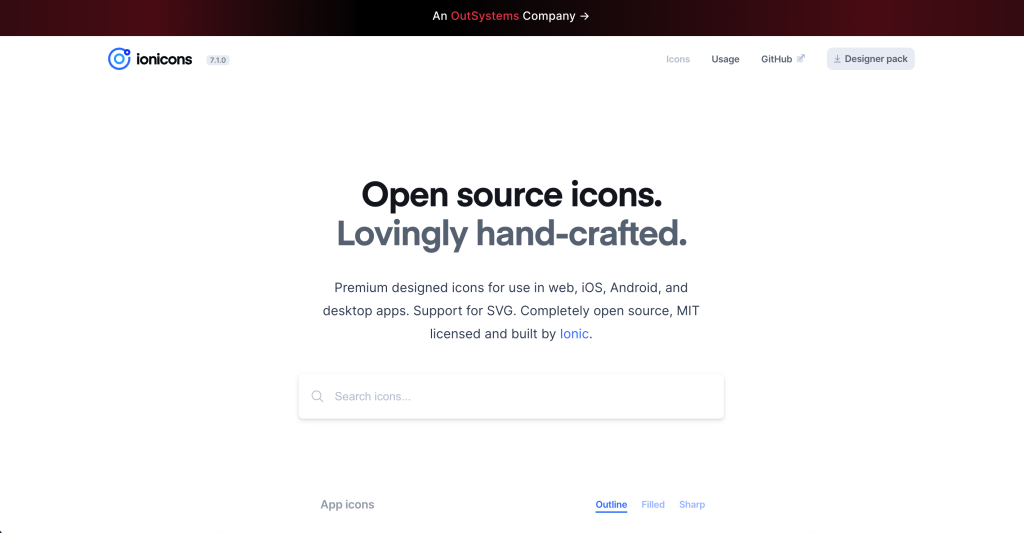
- Best For: Hybrid mobile application design, PWAs, and high-performance JS single-page applications.
- Formats Supported: SVG vectors and optimized Web Fonts.
- Licensing: 100% Free and open-source under the MIT license.
9. Bootstrap Icons – Free icons designed for Bootstrap projects.
Bootstrap Icons was initially crafted to accompany the world’s most popular CSS framework. However, it functions perfectly as an independent asset library. Because they lack external dependencies, these vectors integrate cleanly with any modern component framework.
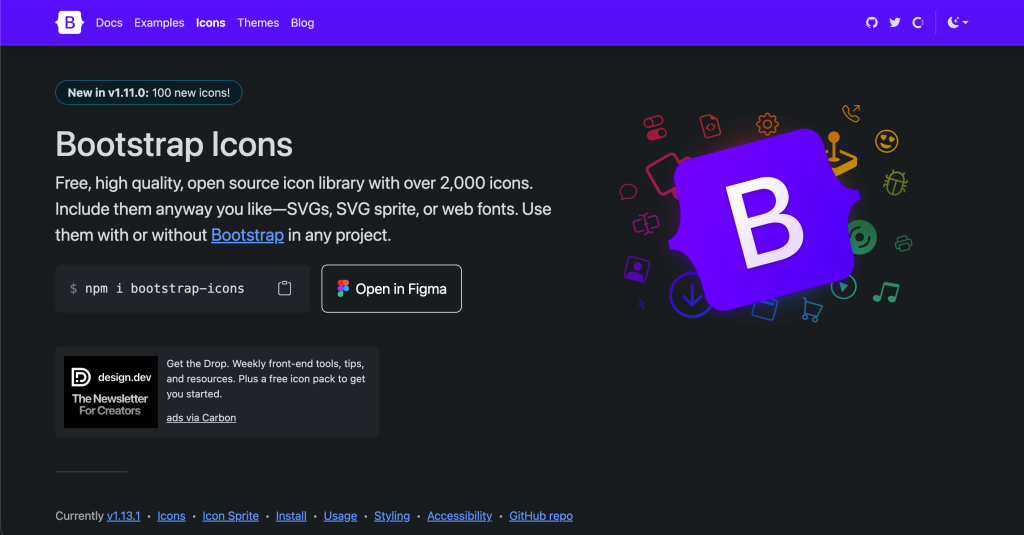
- Best For: Bootstrap-driven web portals, responsive dashboard setups, and rapid styling workflows.
- Formats Supported: SVG inline code, SVG sprite sheets, and Web Font configurations.
- Licensing: Open-source under the permissive MIT license.
10. Heroicons – Beautiful icons crafted for Tailwind UI.
Created by the makers of Tailwind CSS, Heroicons features exceptionally polished line icons tailored for modern, clean visual layouts. It delivers pre-configured styles for outline, solid, and mini variants. As a result, it matches perfectly with utility-first CSS strategies.
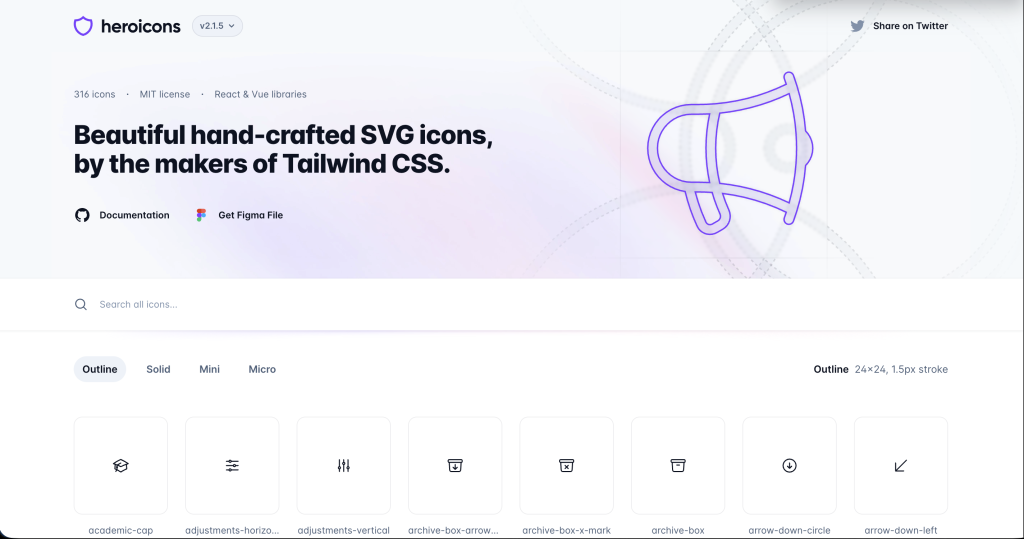
- Best For: Tailwind CSS application layouts, modern SaaS dashboards, and sleek consumer products.
- Formats Supported: Raw SVG components natively optimized for JSX/React and Vue templates.
- Licensing: Open-source via the MIT License.
Technical Comparison Matrix
| Icon Library | Primary Format | License Model | Performance Impact | Best Strategic Use Case |
| Flaticon | SVG / PNG | Freemium | Variable (Depends on export) | Diverse Visual Graphics |
| IconFinder | Multi-Format | Paid / Premium | Highly Optimized | Bespoke App Interfaces |
| Icons8 | SVG / Lottie | Freemium | Excellent with App Extensions | Interactive Visual Editors |
| Material Icons | SVG / Font | Open-Source | Ultra-Lightweight | Enterprise Portals / Android |
| Font Awesome | Font / SVG | Freemium | Medium (High without Tree-Shaking) | Universal CMS Deployment |
| The Noun Project | SVG | Freemium | Highly Scalable | Editorial & Concept Design |
| SVGRepo | SVG Only | Free / MIT | Optimized Minimal Bloat | Automated Code Pipelines |
| Ionicons | SVG | Open-Source | Excellent Mobile Execution | Cross-Platform Mobile Apps |
| Bootstrap Icons | SVG / Font | Open-Source | Lightweight Core | Responsive Grid UIs |
| Heroicons | JSX / SVG | Open-Source | Zero-Bloat Integration | Tailwind SaaS Dashboards |
As modern search habits shift toward conversational platforms, optimization must extend beyond traditional SEO keywords. To win visible spots in AI-generated overviews, your content must provide direct solutions to structured technical queries. Below, we provide answers to critical industry questions formatted specifically to match conversational search intent.
Which icon libraries for web developers provide the fastest page load speeds?
The fastest page performance is achieved by using raw, optimized SVG libraries such as Heroicons, SVGRepo, and Material Icons. By embedding inline SVGs directly into your code, your application avoids making extra HTTP requests. This optimization improves your Cumulative Layout Shift (CLS) scores and delivers lightning-fast rendering times across mobile devices.
Can I use open-source icon libraries like Bootstrap Icons and Font Awesome for commercial enterprise applications?
Yes, open-source libraries published under the MIT or Apache 2.0 licenses. This includes Bootstrap Icons, Material Icons, and Heroicons allow unlimited commercial use. However, when using free tiers of freemium providers like Flaticon or The Noun Project, you must include proper author attribution in your public deployment templates.
How does tree-shaking reduce JavaScript bundle sizes when utilizing modern web fonts?
Tree-shaking is a build-time optimization process that analyzes your application dependency graph. Instead of compiling a massive font asset containing thousands of unneeded symbols, your compiler strips out unused assets. This strategy keeps your final distribution bundles clean, fast, and light.
Strategic Summary: Selecting Your Core Asset Pipeline
Ultimately, selecting the ideal tool from our list of premium icon libraries for web developers requires aligning your visual goals with strict site speed metrics. If your development team works within utility-first layout structures, Heroicons or Bootstrap Icons provide rapid, seamless styling. Conversely, if your project demands custom visual styles, Flaticon and IconFinder deliver unmatched asset diversity.
By prioritizing clean SVG integration, setting up automated tree-shaking routines, and following clear licensing terms, you ensure your platform delivers a top-tier user experience. Implement these asset management workflows today to protect your core page speeds and maintain your search performance rankings.
You might be interested in this topic as well:
1. Best CSS Animation Libraries
2. 5 ADVANCED CSS TRICKS TO ENHANCE YOUR WEB DESIGN
3. FREE WEB DESIGN RESOURCES WEBSITE TO BOOKMARK