
Social Media Post Design Tools: 8 Best Free Options in 2026
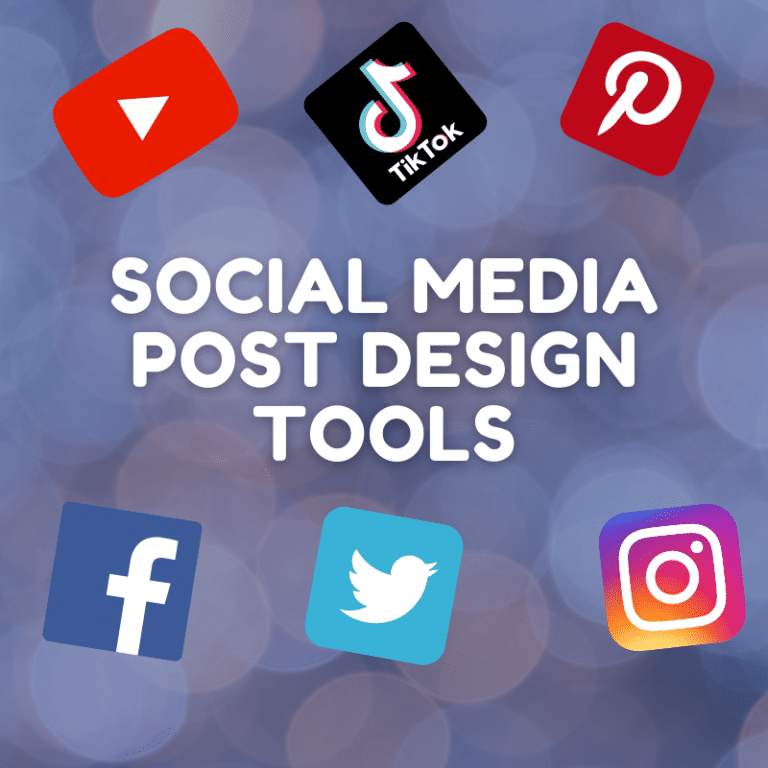
Social media post design tools help you create polished graphics without hiring a designer. In 2026, these tools do far more than resize images. Most of them now include AI features, animated templates, and one-click background removal. Many also offer a free plan, so you can start today without a budget.
This guide covers eight of the best options. First, you will see a quick answer and a comparison table. Next, you will learn how to choose the right tool. Finally, you can read a short review of each platform, including its free plan limits.
What Are the Best Social Media Post Design Tools in 2026?
The best social media post design tools in 2026 are Canva, Adobe Express, VistaCreate, Snappa, Figma, Photopea, Visme, and Piktochart. Canva works best for most beginners because of its huge template library. Adobe Express suits fast, AI-assisted posts. VistaCreate gives you one of the most generous free plans for animated content.
Why Post Design Matters More Than Ever
Audiences keep growing, so the competition for attention grows too. DataReportal counted 5.79 billion social media user identities worldwide in April 2026. That figure equals 69.9 percent of the global population. The same source notes that some identities come from duplicate accounts. Even so, 94.7 percent of internet users use social media each month.
Because feeds are crowded, a strong visual helps your post stand out. Good design also builds trust with your audience. As a result, even small businesses now treat graphics as a core marketing task.
You have two options for creating professional posts. You can hire a graphic designer, or you can use an online tool. A designer costs more and takes longer. A tool costs little and works in minutes. Therefore, most creators and small teams start with a tool.
Social Media Post Design Tools Compared
| Tool | Best for | Free plan | Main limit |
|---|---|---|---|
| Canva | Beginners and all-round use | Yes, permanent | Premium assets and most AI credits need Pro |
| Adobe Express | Quick AI-assisted posts | Yes, no card needed | Firefly credits are limited on free |
| VistaCreate | Animated posts | Yes, Starter plan | Some assets and features need Pro |
| Snappa | Fast, pre-sized graphics | Yes | Three downloads per month |
| Figma | Precise layouts and teams | Yes | Limited number of files |
| Photopea | Detailed photo editing | Yes, with ads | Not template-first |
| Visme | Presentations and data visuals | Yes | Limited projects |
| Piktochart | Infographics and reports | Yes | Limited projects and watermarks |
How to Choose the Right Design Tool
Start with your main goal. A marketer who posts daily needs speed and templates. A designer who builds brand systems needs precision. Consider these factors before you commit:
- Templates: Look for pre-sized formats for each social network.
- Free plan limits: Check downloads, watermarks, and storage.
- AI features: Background removal, magic resize, and text generation save time.
- Collaboration and scheduling: Teams benefit from shared folders and built-in publishing.
Also, test two tools before you pay for either one. Most free plans let you do that at no cost.
Top Social Media post design tools
1. Canva
Canva remains the most popular option for social media graphics. It offers templates for Instagram posts, Stories, Facebook covers, YouTube thumbnails, TikTok videos, and more. In 2026, Canva groups its AI features under Magic Studio, and it launched Canva AI 2.0 in April.
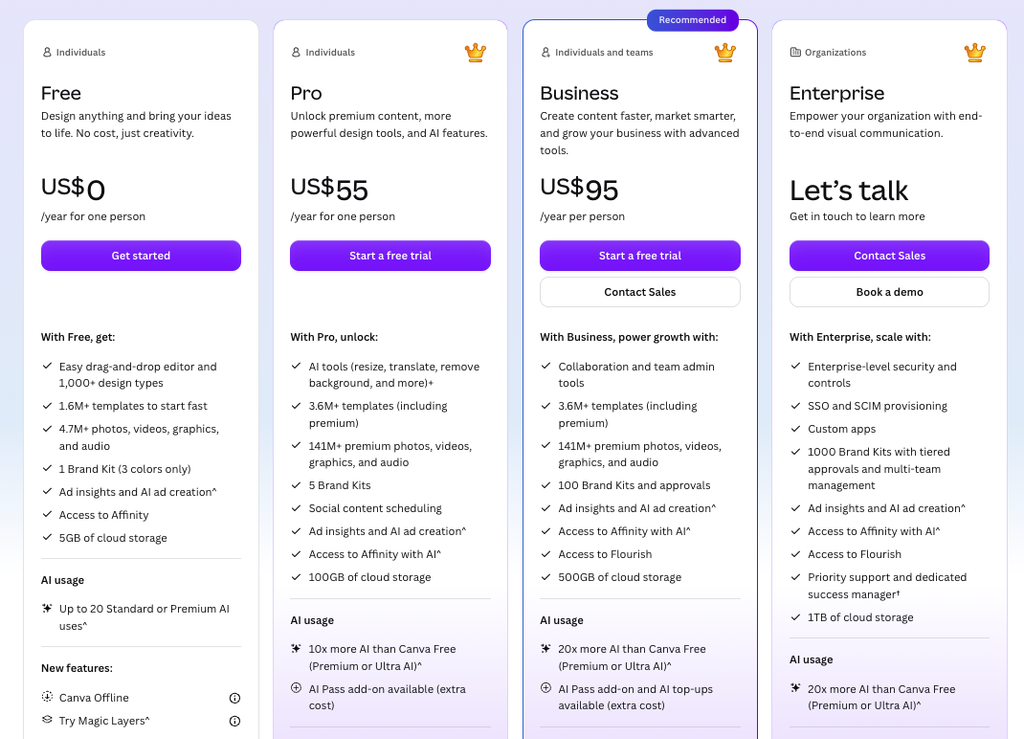
The free plan is permanent and includes a large template library. However, free users get only a small monthly pool of AI credits. Pro unlocks Magic Resize, Background Remover, and Brand Kit. Prices have changed several times recently, so check Canva before you subscribe. Beginners can also learn the basics through Canva Design School.
Pricing
Best for: beginners, small businesses, and high-volume posting.
2. Adobe Express
Adobe Express is a template-first app that runs in your browser and on your phone. The free plan needs no payment card, and reviewers report that it exports without watermarks. It also includes Firefly generative AI features within a credit limit.
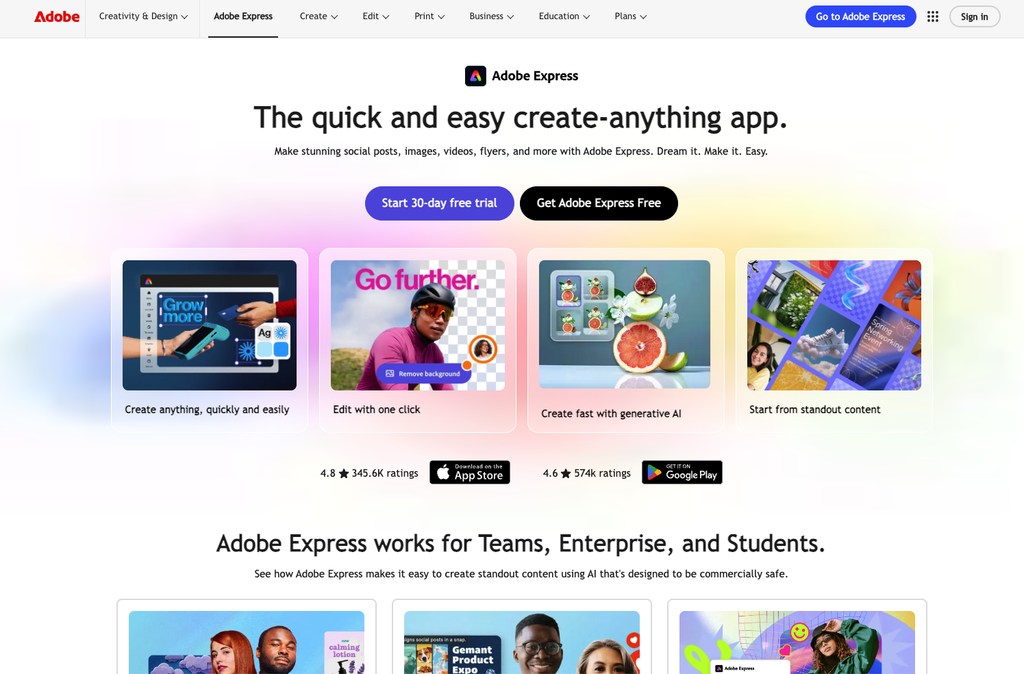
Premium costs $9.99 per month as of September 2026. It adds 250 Firefly credits, brand kits, and more storage. According to Adobe’s pricing page, the free plan also lets you schedule posts to one account per social network. Therefore, it suits solo creators who want to design and publish in one place.
Best for: fast AI-assisted posts and simple scheduling.
3. VistaCreate (Formerly Crello)
VistaCreate is the new name for Crello. Vista acquired Crello in 2021 and rebranded it the following year, so older guides still show the old name. The free Starter plan includes more than 100,000 templates, animated designs, and 10 GB of storage, according to 2026 reviews. It also supports direct posting to Instagram, Facebook, and Pinterest.
On the other hand, some users report billing complaints and download limits on the free plan. Consequently, you should read the refund terms before you upgrade. Visit VistaCreate to see current plans.
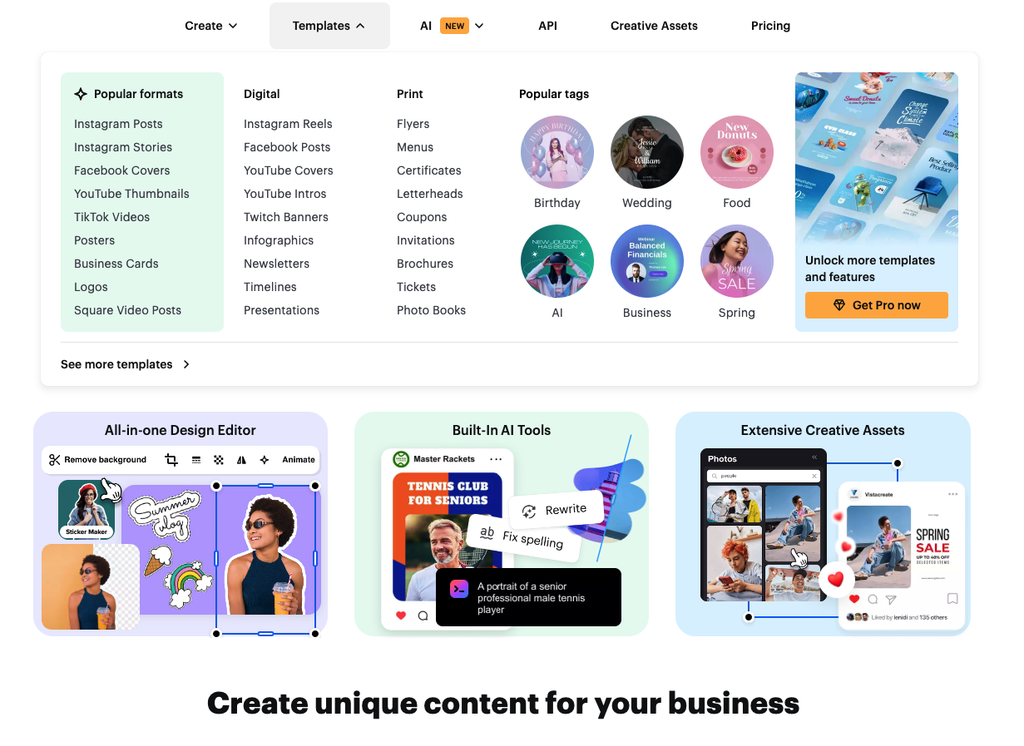
Best for: animated posts, Reels, and TikTok content.
4. Snappa
Snappa focuses on speed. It provides pre-sized social graphics, stock photos, and a one-click background remover. Its free plan gives you the same templates and assets as paid plans, but it allows only three downloads per month. As a result, it fits occasional posters best.
Reviewers also describe Snappa as basic compared with newer rivals. Still, simple posts rarely need more than it offers.

Best for: quick graphics with minimal learning time.
5. Figma
Figma began as an interface design tool, yet many creators now use it for social media graphics. Its free plan supports real-time collaboration, but it limits the number of files. Figma has also added AI image editing and generation features.
Consequently, Figma suits designers and teams that need precise control, reusable components, and shared libraries. Beginners may find it harder than Canva because it has a steeper learning curve.
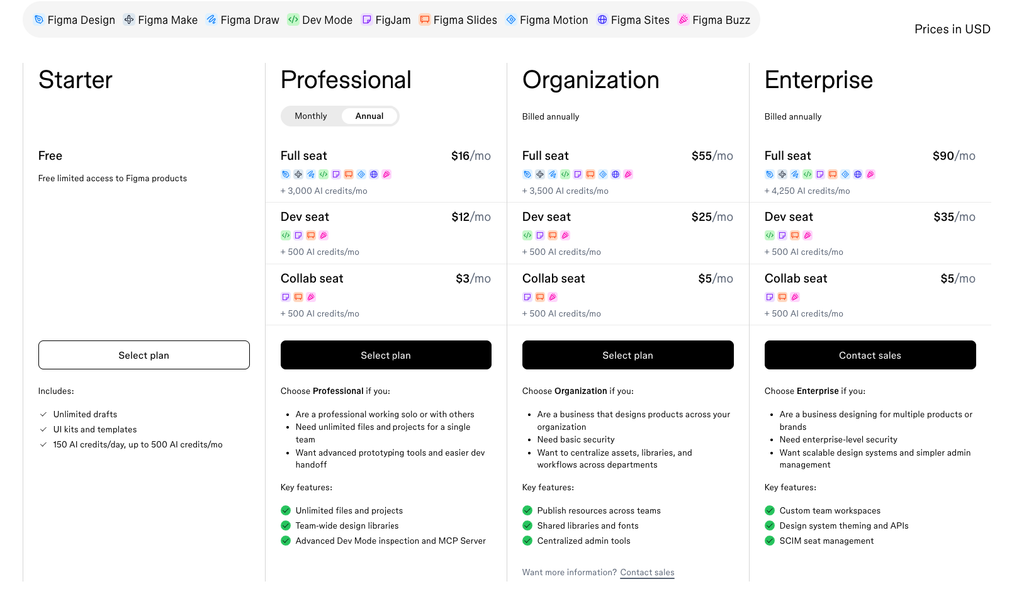
Best for: design teams and brand systems.
6. Photopea
Photopea is a free browser-based editor that mirrors much of Photoshop’s interface. It opens PSD files and supports layers, masks, and blend modes. You do not need an account, and the free version shows ads. A subscription of about $5 per month removes them.
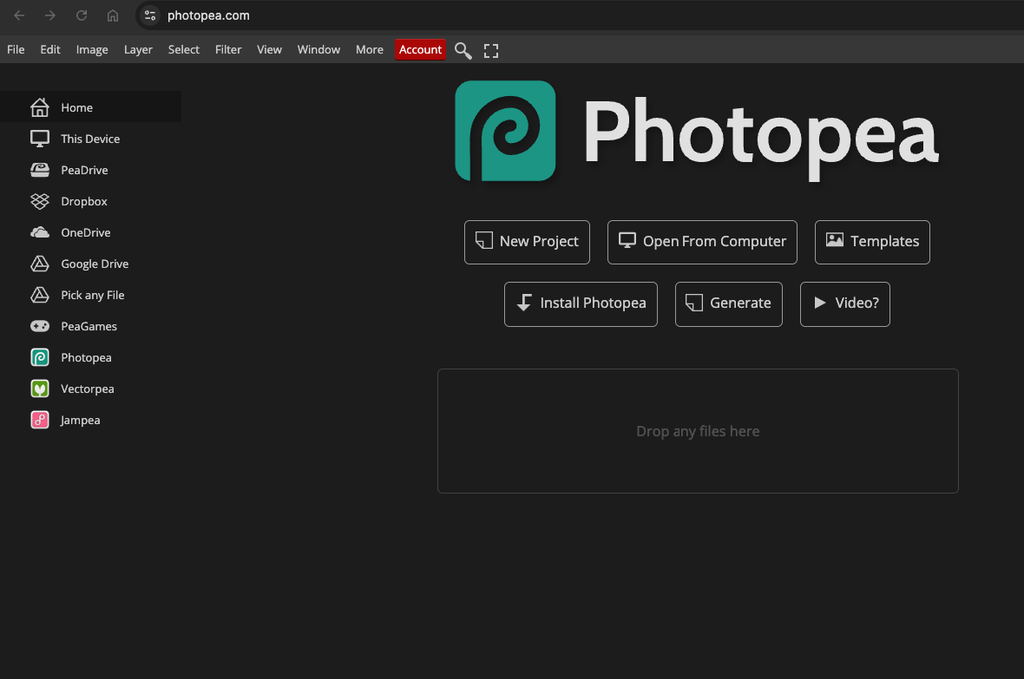
Since Photopea is not template-first, it fits users who want detailed photo editing more than quick layouts.
Best for: advanced image editing without Photoshop.
7. Visme
Visme goes beyond single posts. You can build presentations, infographics, charts, and branded documents in one place. Because of that, it suits marketers who turn data into visuals.
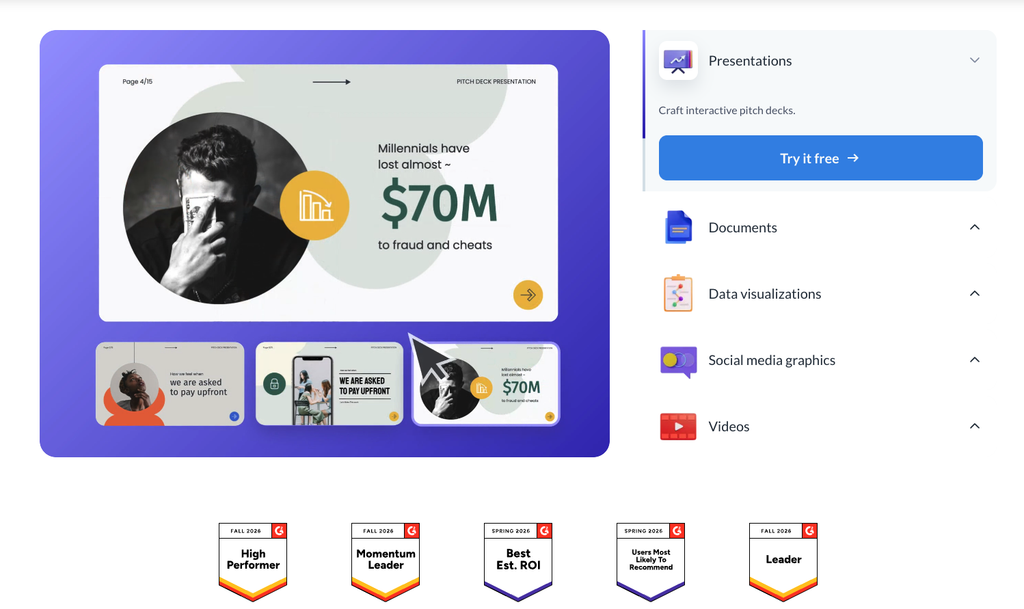
The free plan caps the number of projects, and reviewers often rate paid plans as pricier than Canva. Still, Visme offers strong data visualization tools for teams that need them.
Best for: data-driven content and presentations.
8. Piktochart
Piktochart focuses on infographics, reports, and presentations, and it also includes social media templates. Its editor is simple, so you can add your data and pick a style quickly. The free plan reportedly limits you to five active projects and adds watermarks to exports.
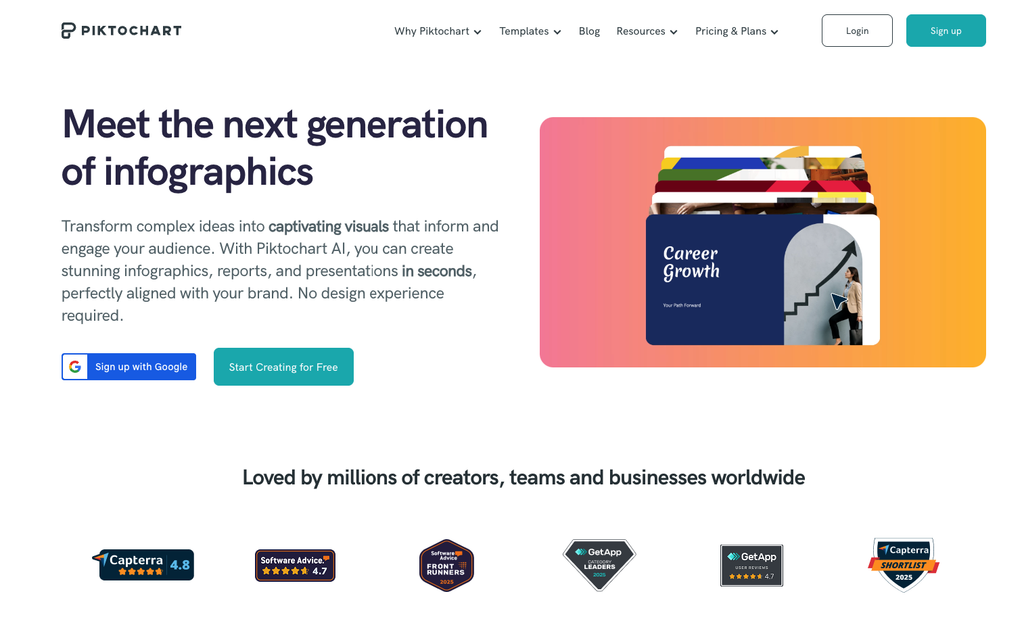
Therefore, Piktochart works best as a niche tool for data-led posts.
Best for: infographics and educational content.
Tips for Creating Better Social Media Posts
Tools only speed up the work, so strategy still matters. Start by understanding your audience. Then choose colors and fonts that match your brand. Keep text short and readable on mobile, because most social media use happens on phones. Additionally, reuse templates so your feed looks consistent.
Frequently Asked Questions
What is the best free tool for designing social media posts?
Canva is the best free choice for most beginners. It offers a permanent free plan and a large template library. However, VistaCreate and Adobe Express also provide strong free plans. Your best pick depends on whether you need animation, AI features, or scheduling.
Is Crello still available?
Crello no longer exists under that name. Vista rebranded it as VistaCreate. The platform still offers social media templates, animated designs, and a free Starter plan.
Can I design social media posts without design skills?
Yes, you can. Template-based tools like Canva, Adobe Express, and VistaCreate include ready-made layouts. You only need to swap the text, colors, and images. As a result, beginners can publish a polished post within minutes.
Which tool is best for animated social media posts?
VistaCreate and Canva both support animated designs. VistaCreate includes animated templates on its free Starter plan. Canva adds more animation and video features in its paid tiers.
Do I need a paid plan?
Not always. Free plans cover basic posting for most individuals. Nevertheless, paid plans help when you need brand kits, more AI credits, or unlimited downloads. Therefore, test the free version first and upgrade only when you hit a real limit.
Conclusion
The right social media post design tools depend on your goals, budget, and skill level. Canva fits most beginners, while Adobe Express and VistaCreate offer strong free alternatives. Designers may prefer Figma or Photopea for deeper control. Start with one free plan, then compare a second tool after a week. You can also explore our free web design tools for more ways to improve your visuals.
You might be interested in this topic as well:
1. THINGS TO CONSIDER WHILE DESIGNING A WEBSITE
2. TOP WEBSITES FOR WEBDESIGN INSPIRATION
3. FREE WEB DESIGN RESOURCES WEBSITE TO BOOKMARK