

Things to consider while designing a website
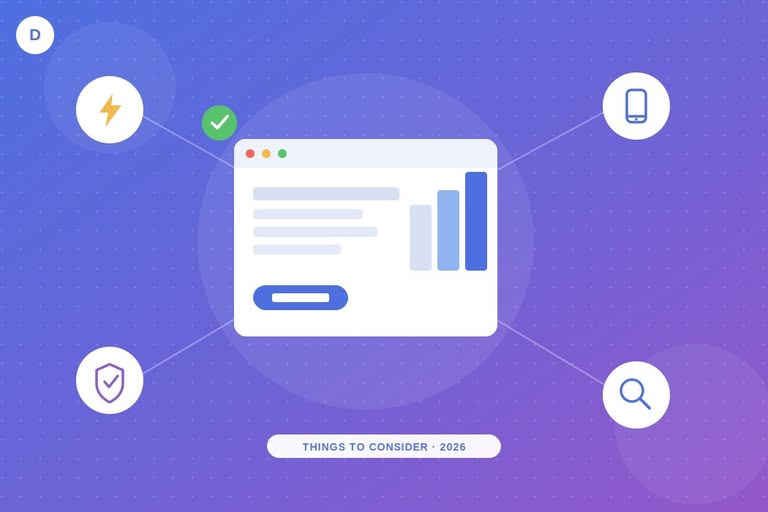
When designing a website in 2026, focus on usability, page speed, mobile-first responsiveness, accessibility, clear content, visible contact information, strong calls to action, essential pages (About, Privacy Policy, Contact), authentic photography, basic security, on-page SEO, and readiness for AI answer engines. Together, these factors build trust, keep visitors on the page longer, and help both search engines and AI assistants understand and recommend your site.
A website is the digital front door of a business. Today, customers research a company online before they ever pick up the phone, so a slow, confusing, or outdated site can cost a sale before a conversation even starts. If you run a business without a solid website, you are already behind competitors who use theirs to build trust and generate leads automatically.
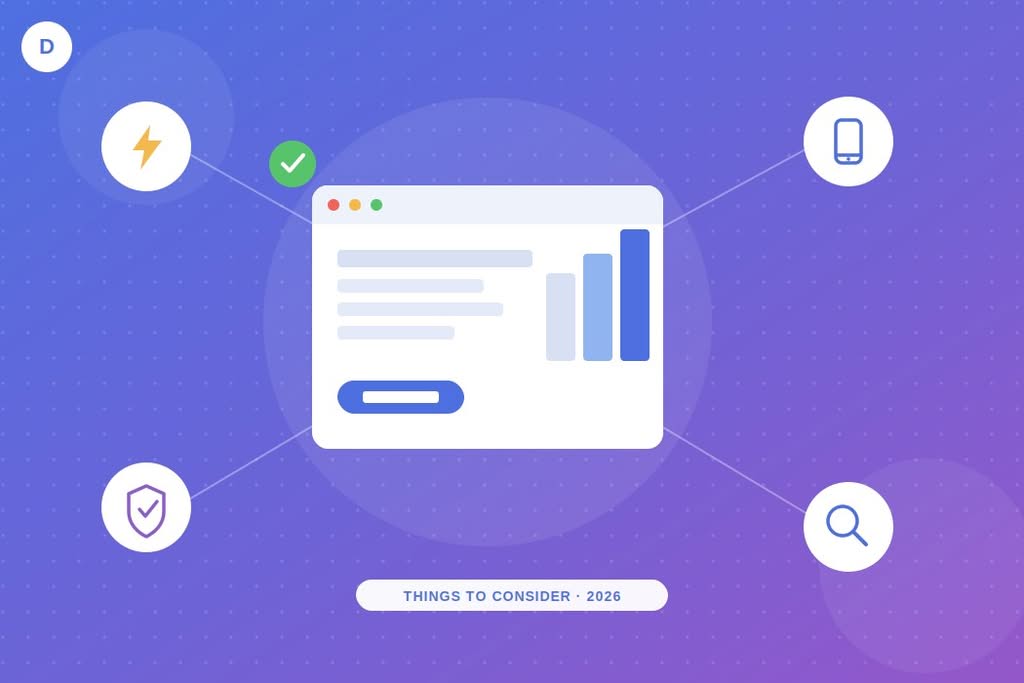
A professional website helps you compete in a crowded market, capture qualified leads, and build lasting customer relationships. However, “professional” does not mean flashy. It means the site works well for real visitors and for the search engines and AI tools that now send those visitors your way. Below are the things to consider while designing a website that still hold up in 2026, updated with current data and a few factors the original checklist missed.
1. Usability
Design for real visitors first, not just for developers who understand code. Most people who land on your site are not technical. They want an answer fast, so keep navigation simple, keep menus short, and present information in plain language. Break long paragraphs into short ones, use descriptive headings, and place your most important message above the fold.
2. Speed and Core Web Vitals
Site speed still shapes first impressions, and in 2026 it also shapes rankings directly. Google measures three Core Web Vitals: loading speed, interactivity, and visual stability. A slow site increases bounce rate and lowers conversions, since visitors rarely wait more than a few seconds for a page to load. Compress images, use a content delivery network, and test your pages regularly with a free tool such as PageSpeed Insights or GTmetrix.
3. Mobile-First Responsive Design
Mobile browsing is no longer a “nice to have,” it is the default. Current industry data shows mobile devices generate more than half of global website traffic, with the share regularly reported between roughly 51% and 60% depending on the source and month (source: Statista, mobile web traffic share). That means your layout, buttons, and forms need to work naturally on a small screen first, then scale up to tablet and desktop. You can check how your current layout performs with our tools for testing responsive web design.
4. Accessibility
Accessibility is no longer optional in a modern design checklist. Use sufficient color contrast, add alt text to images, label form fields clearly, and make sure the site works with keyboard navigation and screen readers. Following the Web Content Accessibility Guidelines (WCAG) widens your audience and reduces legal risk in many regions.
5. Content That Actually Helps Visitors
A fast, well-designed site still fails if the content does not answer the visitor’s question. Write for your specific audience, structure content with clear headings, and support it with images, short videos, or infographics where they add value. Google and AI assistants both favor content that is original, specific, and easy to scan, so avoid generic filler paragraphs.
6. Visible Contact Information
Make it effortless for a visitor to reach you. Place a phone number, email address, or contact form somewhere visible on every page, not buried three clicks deep. If someone likes what they see but cannot find a way to contact you quickly, they will move on to a competitor instead.
7. Clear Calls to Action
Every important page needs a clear next step. A missing call to action is still one of the most common design mistakes. Use direct, action-oriented language such as “Get a Free Quote,” “Book a Consultation,” or “Start Your Project Today,” and place these buttons where visitors naturally look, such as after a benefit statement or at the end of a section.
8. Essential Pages
A site without an About Us, Privacy Policy, and Contact page leaves visitors guessing about who you are. The About page should cover your history, mission, and the people behind the business. The Privacy Policy should explain how you handle visitor data, which matters more than ever under current privacy regulations. The Contact page should list every practical way to reach you.
9. Authentic Photography
Stock photos fill gaps, but real photos of your team, workspace, or product build far more trust. Genuine images help a visitor picture themselves working with you, while an all-stock site can feel generic or even untrustworthy. Where budget allows, replace at least your homepage and About page images with authentic photography.
10. Basic Security
Security belongs on this list now in a way it did not in 2020. At minimum, install an SSL certificate so your site loads over HTTPS, keep your CMS and plugins updated, and use strong login credentials. If you run WordPress, weak security can lead to a compromised site, and recovering from one is far more expensive than preventing it. Our guide on WordPress malware removal walks through both cleanup and prevention.
11. On-Page SEO and AI Search Readiness
You do not need a large budget to get discovered. Simple on-page SEO, meaning descriptive titles, clean URLs, one clear focus keyword per page, and internal links between related pages, still moves the needle. In addition, more searches now happen through AI answer engines like Google AI Overviews, ChatGPT, and Perplexity. To be considered a source, structure your content with clear headings, direct answers near the top of the page, and specific facts or numbers that an AI tool can reference confidently. This practice is often called Answer Engine Optimization (AEO) or Generative Engine Optimization (GEO), and it works alongside traditional SEO rather than replacing it.
12. Guide Visitors Even When You Cannot Help Directly
No single business can serve every visitor who lands on the site. When you cannot offer exactly what someone needs, point them toward a resource that can, whether that is another page on your site, a helpful guide, or a trusted partner. This builds goodwill, and the same visitor may return later or refer someone else to you.
Fast page load, mobile-first layout, and clear content still decide whether a visitor stays or leaves within the first few seconds.
If you want more tools for the design process, browse our free web design resources, check our website cost calculatorbefore you budget a new build, and see our WooCommerce performance optimization guide if your project includes an online store. For hosting that supports the speed goals above, our roundup of the fastest WordPress hosting for high-traffic sites is a useful next read.
Frequently Asked Questions
What should I consider first when designing a website?
Start with usability and mobile responsiveness, since most visitors arrive on a phone and decide within seconds whether to stay. A clear layout and fast load time matter more than decorative design choices.
How many pages does a small business website need at minimum?
At minimum, include a homepage, an About Us page, a Contact page, and a Privacy Policy. Additional service or product pages depend on the business, but these four form the baseline.
Does website speed really affect SEO rankings?
Yes. Google uses Core Web Vitals, which measure loading speed, interactivity, and visual stability, as a ranking factor. Slow sites also see higher bounce rates, which further hurts visibility.
What is the difference between SEO, AEO, and GEO?
SEO (Search Engine Optimization) targets traditional search engine rankings. AEO (Answer Engine Optimization) targets direct answers shown in featured snippets and voice search. GEO (Generative Engine Optimization) targets how AI tools like ChatGPT or Google AI Overviews summarize and cite your content. Modern websites benefit from addressing all three together.
You might be interested in this topic as well:
1. BEST TOOLS FOR TESTING THE RESPONSIVE WEB DESIGN
2. HOW TO DOWNLOAD SHUTTERSTOCK IMAGES FOR FREE?
3. FREE WEB DESIGN RESOURCES WEBSITE TO BOOKMARK